How it works
How Clinical Extract turns your EHR's export into a CSV.
Clinical Extract connects to your EHR once as a read-only backend app, exports only the study cohort, keeps only the approved variables, and returns study.csv and data-dictionary.json. The sections below follow each request in order.
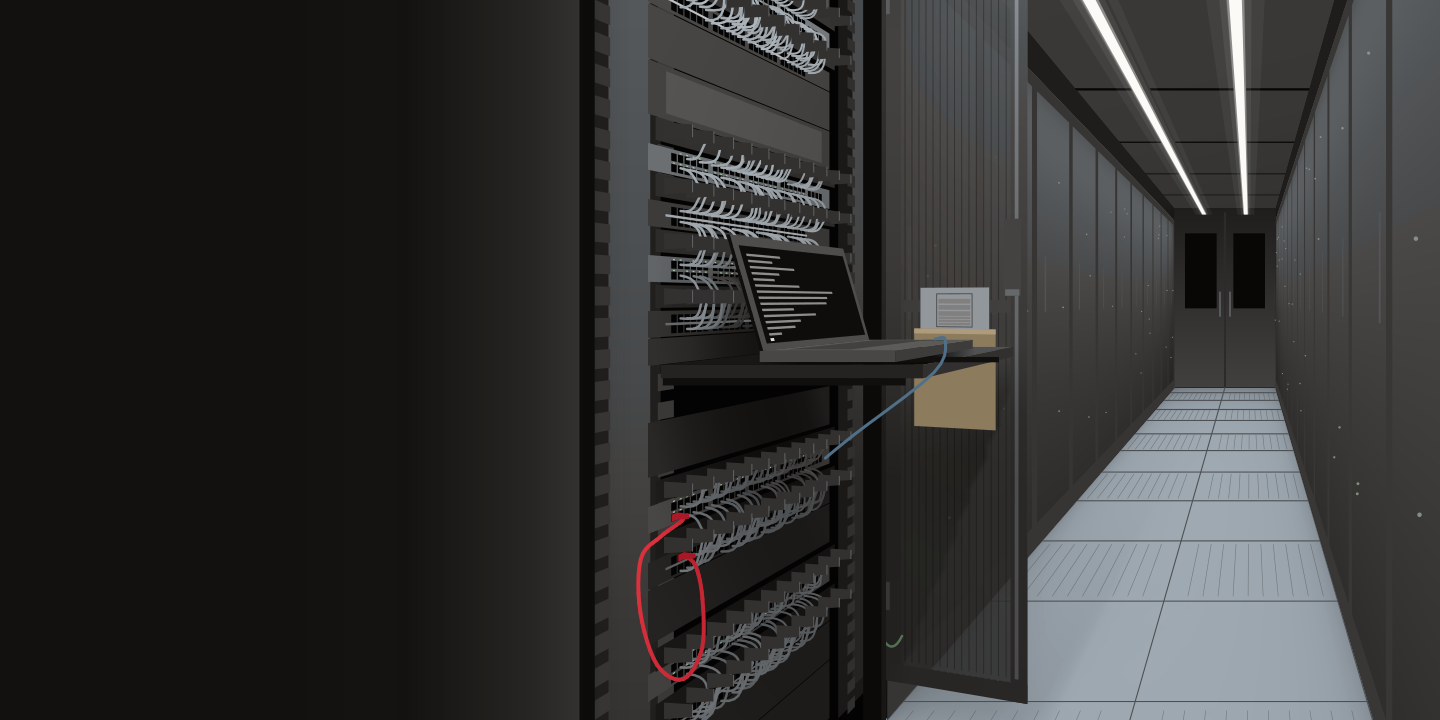
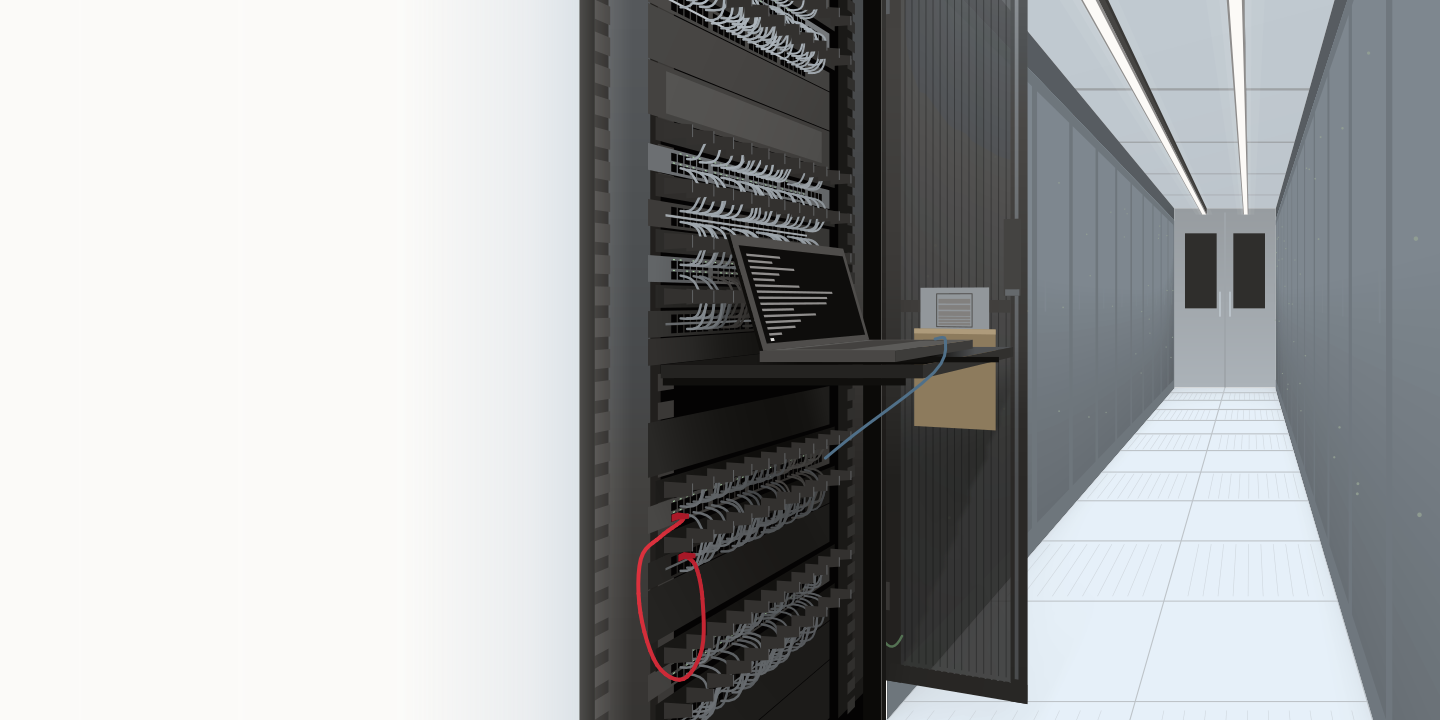
1 The sequence
Authorize, kick off, poll, download, flatten.
Authorize. Clinical Extract signs a JWT with a private key that stays in your key store and posts it to your EHR's token endpoint with grant_type=client_credentials; the token that comes back carries system/Group.read for the cohort and one read scope per exported resource type. The protocol is SMART Backend Services; our guide to SMART on FHIR covers it in full.
Kick off. One GET Group/{cohort-id}/$export with _type set to the resource types the protocol names and Prefer: respond-async. The EHR answers 202 Accepted with the status URL.
Poll. Clinical Extract polls the status URL, waiting the interval each Retry-After header gives, until it answers 200 with the manifest.
Download. Each NDJSON file the manifest lists is fetched with the bearer token into your study folder, one resource per line.
Flatten. The approved variables are picked out of the resources into study.csv, one row per patient, and each column gets an entry in data-dictionary.json. The bulk export guide lists every header and manifest field.
Group/{cohort-id}/$export scoped to the study cohort and the resource types the protocol names, polls the status URL, downloads each NDJSON file listed in the manifest, and writes the CSV and its data dictionary. The token carries system/Group.read for the cohort and one read scope per exported _type. Every kickoff, status and manifest header is set out in full on the bulk FHIR export page. The 212-row count is illustrative. 2 What stays where
Every record, file and credential stays inside your environment.
The EHR sits on the boundary of your environment, on-premises or vendor-hosted. Clinical Extract runs inside it, on your server or in your cloud tenant. The private signing key never leaves your key store. The NDJSON, the CSV and the dictionary land in your study folder, and the token carries read scopes only. Only Clinical Extract software comes into your environment. We never receive patient data. The security page covers the scopes, the data path and your controls.
3 The data dictionary
One entry per column, traced to its FHIR element.
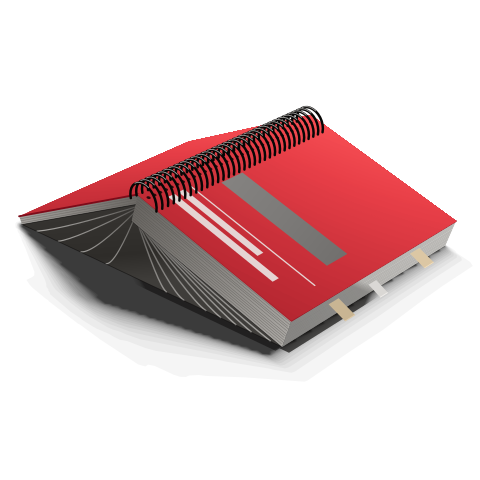
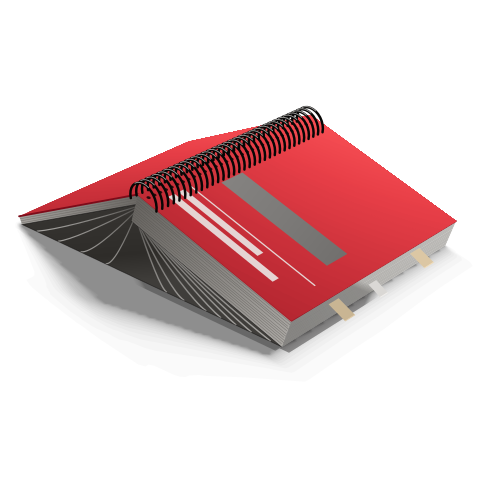
Every column in study.csv has one entry in data-dictionary.json, keyed by the column name, with a description (the meaning and its code system), the FHIR element the values come from (fhirSource) and an example value. A reviewer can trace any cell back to the resource it came from. Every column described shows the file in full.
4 Next
Related pages.
- The bulk export guide: the three kinds of export, every header, the manifest, NDJSON to CSV, and real-world throughput.
- By EHR: the registration, the activation and the export in each vendor's own terms, with dated facts and specimens.
- Building the cohort and starting from a list you already have: how the study Group comes to exist.
- Documentation: deployment in your environment, the output format, registering the backend app.
Next
See Clinical Extract run on one of your studies.
Tell us which EHR you run and what the study or registry needs. We reply within one business day to set a meeting time.