In the box
Cohort builder: identify the patient cohort and count it before the export.
Clinical Extract builds the study cohort from coded criteria on your EHR's own data and returns a feasibility count after every criterion, so you see how many patients each criterion removes before any record is exported. The finished cohort is the Group the export runs on.
1 Building a cohort
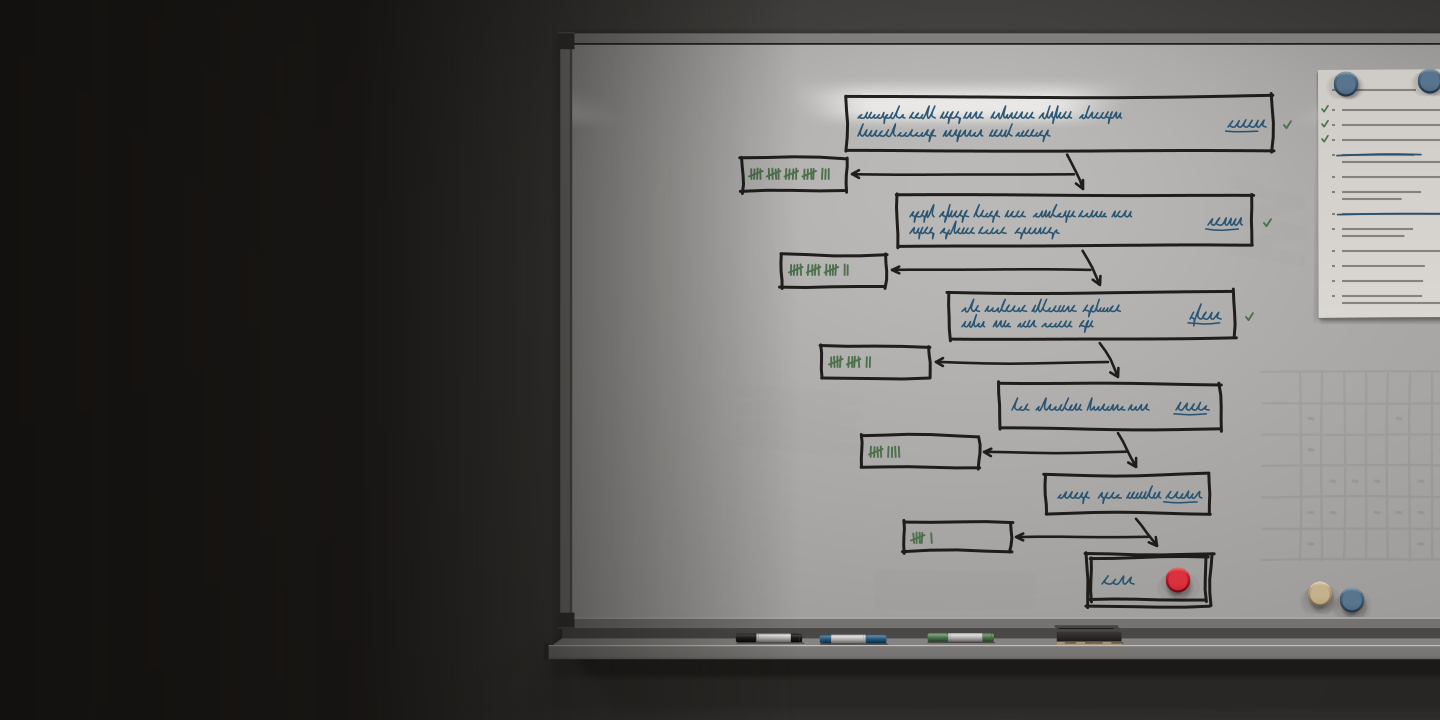
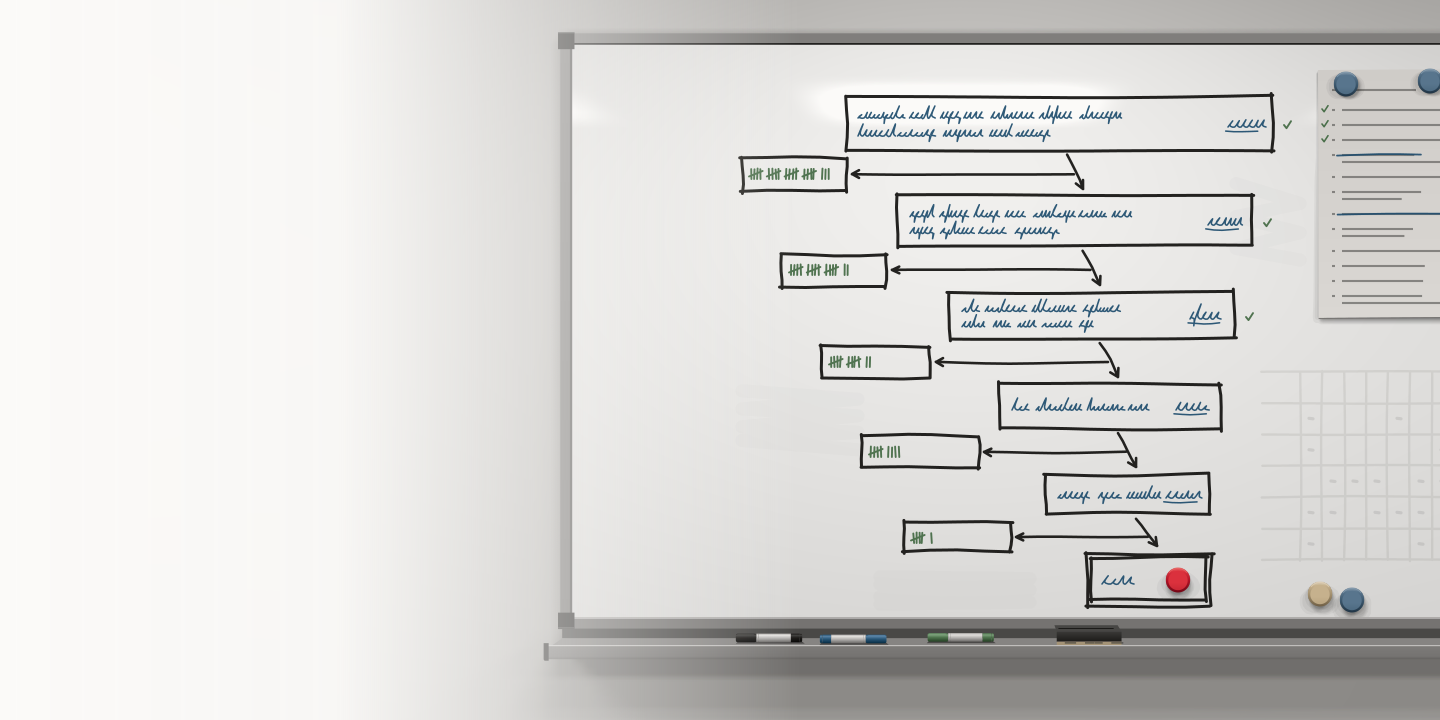
The count updates after each criterion.
Start with everyone seen in the period. Add the diagnosis code set, and the count drops to the patients who carry it. Add a lab value inside a window from the index diagnosis, a medication class, a stage. After every criterion the count comes back, so a cohort that is too small or too broad is visible before the export, and the sponsor's or the IRB's question ("how many?") gets a count and the criteria that produced it.
Figure 1 as a table
| Criterion | Coded definition | Patients |
|---|---|---|
| Seen | Encounter. | 48,210 |
| AND coded diagnosis | Condition. | 1,904 |
| AND lab value in window | Observation. | 1,112 |
| AND stage | Observation. | 640 |
| AND NOT medication | MedicationRequest. | 612 |
| Study cohort | Group/{cohort-id} | 612 |
2 Criteria as codes
Every criterion is a coded definition on a FHIR resource.
- Diagnosis
- An ICD-10-CM or SNOMED CT code set on Condition, with an onset window:
C50.xfirst diagnosed 2021 to 2025. - Result
- A LOINC code on Observation with a value or an interpretation, inside a window from the index diagnosis: ER positive within 90 days.
- Medication
- An RxNorm class or ingredient on MedicationRequest: a taxane ordered within a year.
- Procedure
- A SNOMED CT or CPT code on Procedure: a lumpectomy or mastectomy in the period.
- Stage
- The staging Observation's value: stage II or III at diagnosis.
- Encounter
- A visit type or a department in a date range, for the "seen here" criterion every study starts with.
3 From count to Group
The finished cohort is the Group the export runs on.
Cohort selection ends in a FHIR Group: the patients who met every criterion on the day you finished. The study export names that Group in its kickoff, so the export covers the cohort you counted, and the data dictionary records the criteria and the date with the columns. A research site answering a sponsor's questionnaire runs the same funnel; counting feasibility for a trial site shows it with a network of EHRs. A study that starts from a list instead of criteria uses roster pull, and the confirmed rows become the Group the same way. The export itself is on the how-it-works page.
Recruiting the patients a cohort names is a different job from identifying them; our guide to EHR data in clinical research covers recruitment.
4 Questions
Questions about cohorts
What is a cohort in clinical research?
The set of patients a study is about, defined by criteria: a diagnosis, a period, a result, a treatment. A patient cohort in Clinical Extract is that definition applied to your EHR’s coded data, with the count of patients it currently names.
What is cohort identification?
Turning the protocol’s inclusion and exclusion criteria into a list of patients who meet them. The cohort builder does it with coded definitions on FHIR resources (ICD-10-CM, LOINC, RxNorm, SNOMED CT, stage) and returns the count at every step.
Is the cohort builder a cohort discovery tool?
It works as one, on your own EHR’s data. The finished cohort also becomes the FHIR Group the study export runs on, and the discovery and the export share one definition.
How are the counts computed?
Each criterion runs as a coded criterion on data from your EHR through the certified bulk FHIR API; the count after each step is the number of patients who meet every criterion so far. Windows (a lab within 90 days, a medication within a year) are set from the index diagnosis.
Do the counts change over time?
They do. A cohort is a definition, and its count updates as new diagnoses and results arrive in the EHR. The export runs against the cohort as it stands on the day you run it, and the data dictionary records that date.
Next
See Clinical Extract run on one of your studies.
Tell us which EHR you run and what the study or registry needs. We reply within one business day to set a meeting time.